The short answer: a short video call before meeting in person is one of the easiest safety and comfort checks there is. In five to fifteen minutes you can confirm the person looks like their photos, see whether their story hangs together, get a feel for how they treat you, and take a lot of the nerves out of the first meeting. Suggest it lightly (“Fancy a quick five-minute video call before we meet? It always makes me less nervous”), use the app’s built-in video if it has one so you don’t share your number, and treat repeated refusals as a reason to pause.
This works for dates and for new friends from apps or online groups alike. Below you’ll find why it helps, scripts to suggest one, what to look for, a worked example, how to handle a refusal, a before, during and after checklist, and how to move from a good call to a safe, public first meetup.
Why a video call before meeting in person helps
- It confirms they’re real. Photos can be old, edited or someone else’s entirely. A live call is much harder to fake. Our guide on how to know if someone is a catfish covers the other checks.
- It’s a vibe check. Tone of voice, humour and manners come across far better live than in text.
- It takes the edge off nerves. The first in-person hello feels much less strange when you’ve already seen each other’s faces.
- It saves time. If there’s no spark, or something feels off, you’ve lost ten minutes rather than an evening.
- It tests respect. How someone reacts to a reasonable request tells you something about how they’ll treat other boundaries.
For most people it becomes a normal step: chat a little, video call briefly, then meet somewhere public.
How to suggest a video call (scripts)
Keep it light, give a reason, and offer a specific time. Most people say yes straight away.
- “Before we meet, fancy a quick five-minute video call? It always makes me less nervous.”
- “I like to do a quick video chat before meeting anyone from an app. Are you free for ten minutes tomorrow evening?”
- “Shall we do a quick video call on here first? Then we can sort the coffee.”
- For a new friend: “Want to do a quick video hello before the walk on Saturday? Just so we recognise each other!”
- If they suggest meeting straight away: “Sounds good! Can we do a quick video call first? It’s just my routine.”
- If you’re nervous yourself: “I’ll be honest, I’m a bit camera-shy, but I always do a quick video call before meeting. Five minutes?”
Use the app’s built-in video feature if there is one, so you don’t need to share your phone number yet. If you move to another app, choose one where you’re comfortable with what it shows the other person.
Video call basics
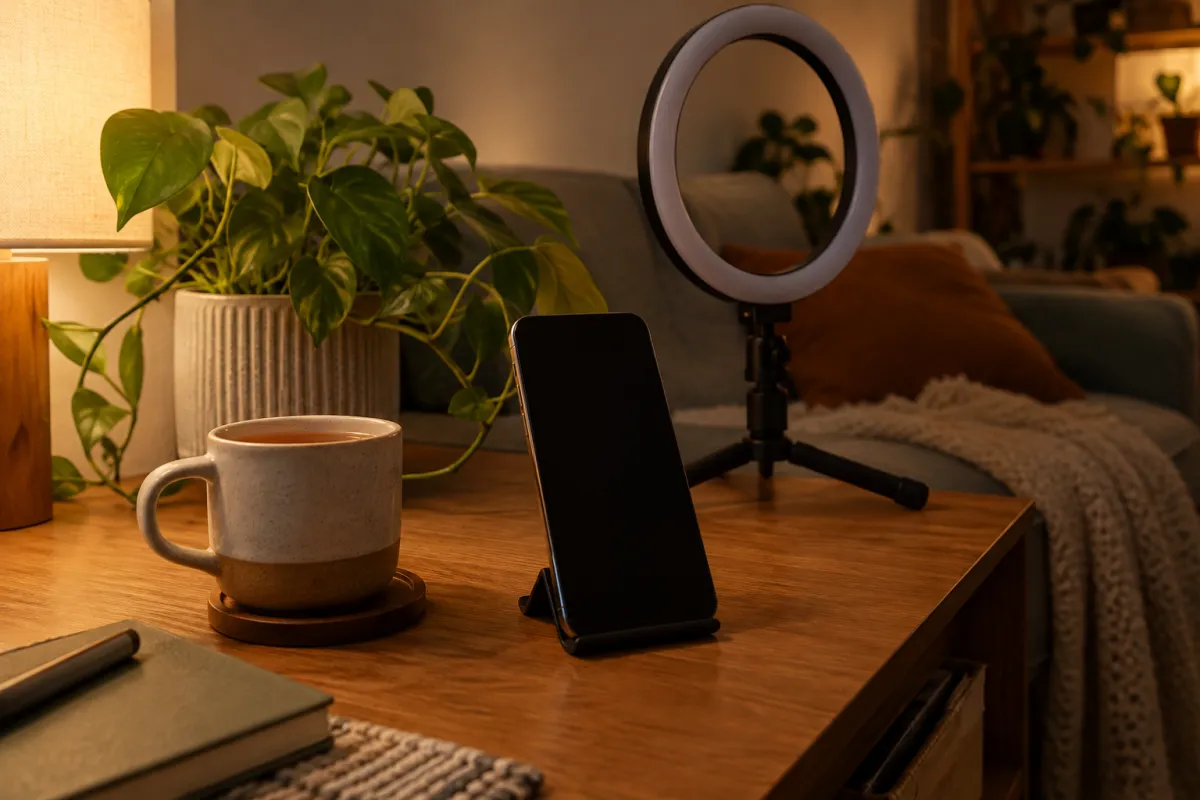
- Light your face from the front: sit facing a window or a lamp, not with a bright window behind you.
- Prop the phone up at eye level so you’re not holding it the whole time.
- Check what’s behind you. Post with your address, a work badge, a view of a recognisable landmark from your window: move them out of shot.
- Find a quiet spot with decent signal. A dropped call isn’t a red flag; a pattern of them is.

What to look for on the call
| Check | Good sign | Worth noting |
|---|---|---|
| Face and voice | Matches their photos and the way they write | Looks very different, or camera “doesn’t work” |
| Story | Job, area and interests match what they told you | Details change or get vague |
| Manner | Friendly, listens, asks questions back | Pushy, rude or sexual comments |
| Boundaries | Happy with your choice of public place and time | Pushes for their home, yours, or somewhere isolated |
| Setting | Ordinary, relaxed background | Insists on darkness, no face, or only audio |
| Money | Never mentioned | Any request for money, gifts or financial help |
Any request for money from someone you haven’t met is a serious warning sign, however good the story. End the conversation and report the profile.
Things to talk about
You don’t need a script. Keep it light: how their week’s going, what they’re into, the plan for meeting. A couple of the openers from our Bumble BFF first message examples work just as well spoken aloud, for friends or dates. Then agree the plan: “So, coffee on Saturday at 11 at the market café?”
Don’t overdo it
If the call goes brilliantly, it’s tempting to keep talking for an hour. Resist. A short, warm call leaves plenty to talk about in person, and a first meeting where you’ve already covered everything can feel flat. “This is fun, let’s save the rest for Saturday” is a great way to end.
A worked example
Priya has been chatting to Jo on a friend app for a few days about running. Jo suggests meeting for a run on Sunday. Priya replies: “Sounds great! I always do a quick video hello before meeting anyone from an app. Free for five minutes tomorrow at 7?” Jo says yes. On the call, Jo looks like her photos, talks about the same running club she mentioned, and is happy with Priya’s suggestion of the busy park parkrun rather than a quiet trail. They chat for eight minutes and agree the plan. Priya shares her location with a friend on Sunday morning, they meet at the start line, and the nerves are mostly gone because they’ve already said hello.
If the call had gone differently (no camera, a changing story, pressure to meet somewhere quiet), Priya would have had her answer for the cost of five minutes.
If they refuse a video call
Not everyone loves being on camera, so one hesitation isn’t proof of anything. A fair approach:
- Offer an easier version. “No worries, even a two-minute hello is fine.” Or a voice call plus a fresh photo of something agreed (“Send me a selfie with a thumbs-up”).
- Notice the pattern. One “I’m not great on camera” is normal. Repeated excuses (“my camera’s broken”, “I’m always at work”) are information.
- Look at the bigger picture. Refusal plus very polished photos, inconsistent stories or pressure to meet somewhere private is a reason to pause or not meet.
- It’s fine to say no. “I only meet people I’ve video called first. No hard feelings if that’s not for you.”
Before, during and after checklist
Before the call
- Use the app’s video feature if possible; keep your number private for now.
- Choose a neutral background with nothing that shows your address, workplace or routine.
- Keep it short: agree five or ten minutes.
During the call
- Check their face and story match.
- Notice how they respond to your questions and your plans.
- Don’t share personal details you wouldn’t put on a public profile.
- End it whenever you like: “Lovely to see you! Let’s sort Saturday.”
After the call
- Trust how you feel. A good call means meeting in public is a reasonable next step; a bad one means you can stop there.
- If you meet, keep the usual routine: public place, a friend who knows, your own way home. Our guide on how to share your location with a friend before a date walks through the steps.
- If anything felt wrong, block and report.

Red-flag table
| Red flag | Why it matters | What to do |
|---|---|---|
| Repeated refusals or “broken camera” excuses | Possible fake profile | Pause; don’t meet without a call |
| Face doesn’t match the photos | Catfish or misleading profile | End politely; report if it’s someone else’s photos |
| Asks for money, gift cards or crypto | Classic scam pattern | Stop contact, block and report |
| Pressures you to meet somewhere private | Removes public-place safety | Insist on a public place or don’t meet |
| Sexual or rude comments on a “friendly” call | Disrespect for boundaries | End the call; block if needed |
| Asks lots about your address or routine | Too much personal information too soon | Keep answers vague; reconsider meeting |
What about group meetups?
For a group plan, a video call with every attendee would be overkill. Instead, a quick hello in the group chat, a look at the host’s profile and meeting in a busy public place usually cover it. If you’re meeting one person from a group one-to-one for the first time, the video-call habit applies again.
From a good call to a safe first meetup
- Agree a specific plan: day, time and a busy public place.
- Keep the first meetup short: a coffee or a walk.
- Tell a friend and share your location for the evening.
- Make your own way there and back.
- Leave whenever you want.
Our first date safety tips and our pillar on meeting someone from the internet safely cover the full routine for dates, friends and groups.
Meeting through a plan instead
Another way to lower the stakes is to meet as part of a small plan at a public place, rather than one-to-one. Full disclosure: we’re the team behind MeetNow, our own app. Plans happen at public places, the host chooses who joins, accepted guests chat in a group before meeting, and after the plan both sides confirm “we met”, building a visible track record.
Want to turn this into an actual plan? MeetNow is a free app for meeting people in person: a host posts a plan at a public place, says who pays (host pays, split, pay your own or free) and picks who joins. It is live on the web and works in your browser, starting in Malta; the phone apps are not in the App Store or Google Play yet. Open MeetNow and see the plans posted in Malta.
FAQ
Should you video call before meeting someone in person?
It’s a good idea, especially if you met online. A short video call confirms the person matches their photos, gives you a feel for their manner, and usually makes the first in-person meeting less nerve-racking.
How do you ask for a video call before meeting?
Keep it light and give a reason: “Before we meet, fancy a quick five-minute video call? It always makes me less nervous.” Most people say yes. Suggest a specific time to make it easy.
How long should a pre-meeting video call be?
Five to fifteen minutes is plenty. The aim is to confirm they’re real and get a sense of them, not to have the whole first date on camera.
What if they refuse to video call?
Some people are camera-shy, so one hesitation isn’t proof of anything. But repeated excuses, especially combined with photos that look too polished or a story that doesn’t add up, are a reason to pause or not meet.
Should I use my normal phone number for a video call?
Use the app’s built-in video feature if it has one, so you don’t need to share your number. If you switch to another app, you can choose one that doesn’t reveal more personal details than you’re comfortable with.
What should I look for on a video call?
That their face matches their photos, that their story is consistent with what they’ve told you, and how they treat you: are they respectful, do they listen, do they respect your boundaries about the meetup?
Is a video call enough to know someone is safe?
No. It confirms identity and gives a first impression, but you should still meet in a busy public place, tell a friend, keep your own transport and leave if anything feels off.